In KatanaPIM, user management is built around two core elements:
User roles themselves do not define access. What a role is allowed to do is configured later via Permission Rules.
When setting up user management, follow this order:
This structure keeps your setup organized, scalable, and easy to maintain.

A User is an individual person who has access to your KatanaPIM environment.
Each user has:
Users should always represent real individuals within your organization.
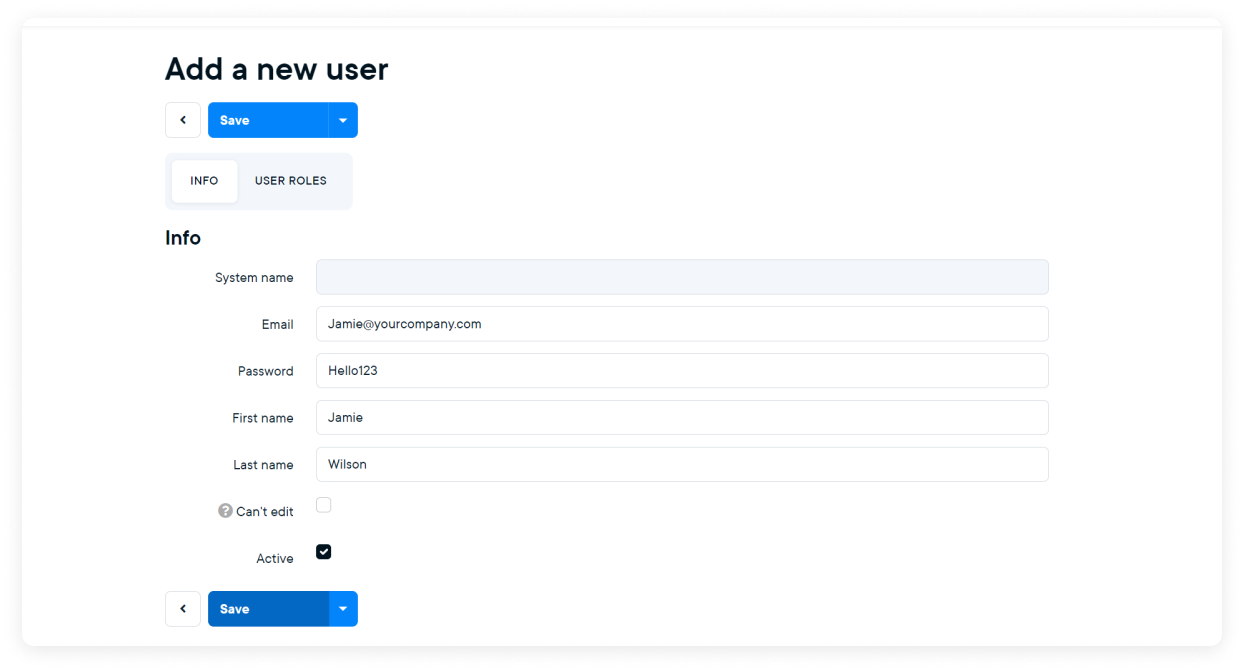
The user can now log in using their credentials.
To verify whether a user is set up correctly:
You will now see the system exactly as that user sees it. This is helpful for validating permissions and navigation access.
A User Role represents a function, responsibility, or team within your organization.
Examples of user roles:
Multiple users can share the same role. This allows you to manage access consistently across teams.
User roles become effective when you configure Permission Rules for them.
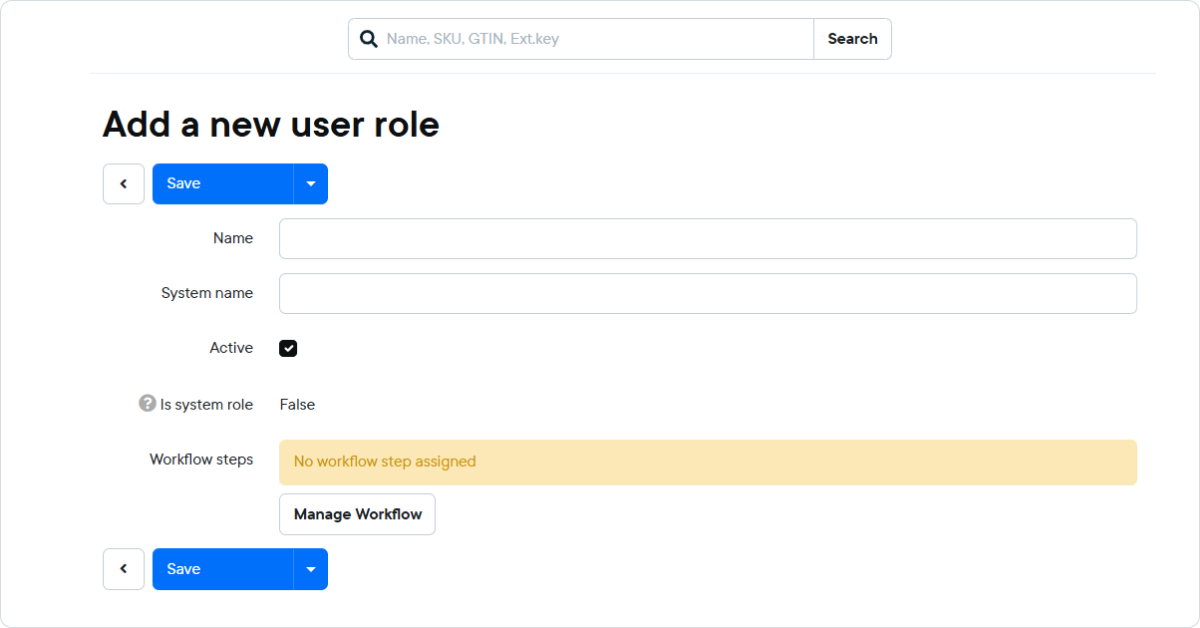
The role is now available to assign to users.


