The Access Control List allows you to control access to specific system features and configuration sections in KatanaPIM. While Permission Rules define what a role can do within entities (like Products or Categories), the Access Control List determines access to system-level functionality and menu items.
Use the Access Control List when you want to:
The Access Control List works on top of User Roles and Permission Rules.
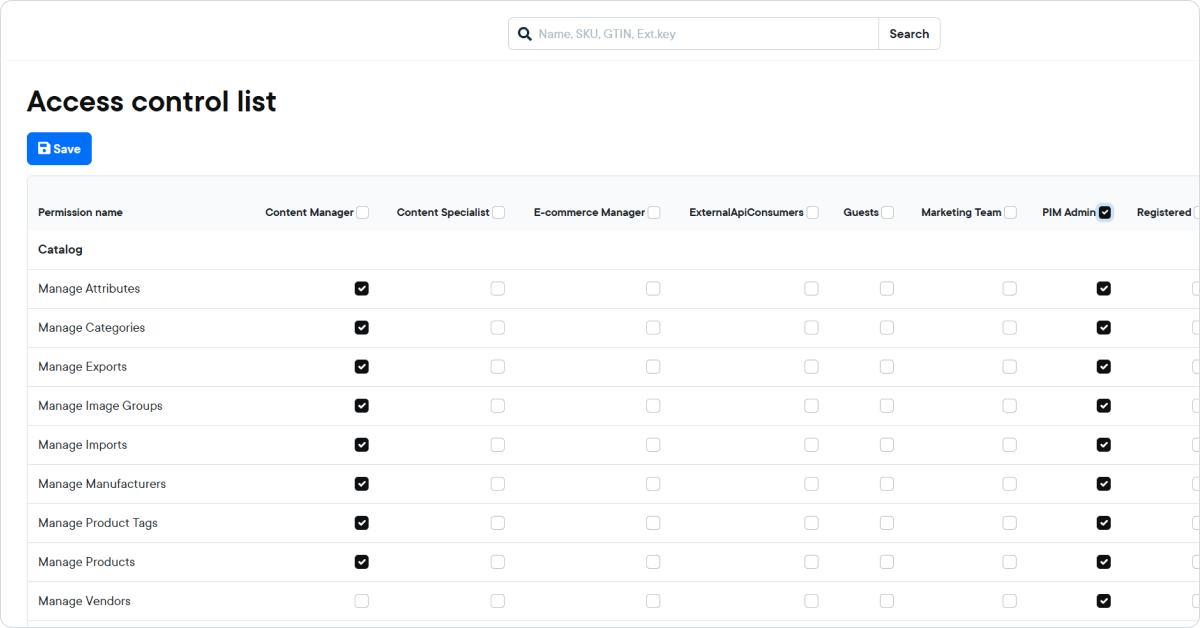

If a role is not selected for a specific Access Control List item, users with that role will not see or access that feature.
It is strongly recommended to:
Instead of building permissions from scratch, start with full access and remove what other roles should not have. This reduces the risk of accidentally blocking required functionality.

