Validate
Updated on:
March 3, 2026

User Roles

A User Role represents a function, responsibility, or team within your organization.

Examples of user roles:

  • Content Manager
  • Ecommerce Manager
  • Sales Team
  • Marketing Team
  • Product Data Specialist

Multiple users can share the same role. This allows you to manage access consistently across teams.

User roles become effective when you configure Permission Rules for them.
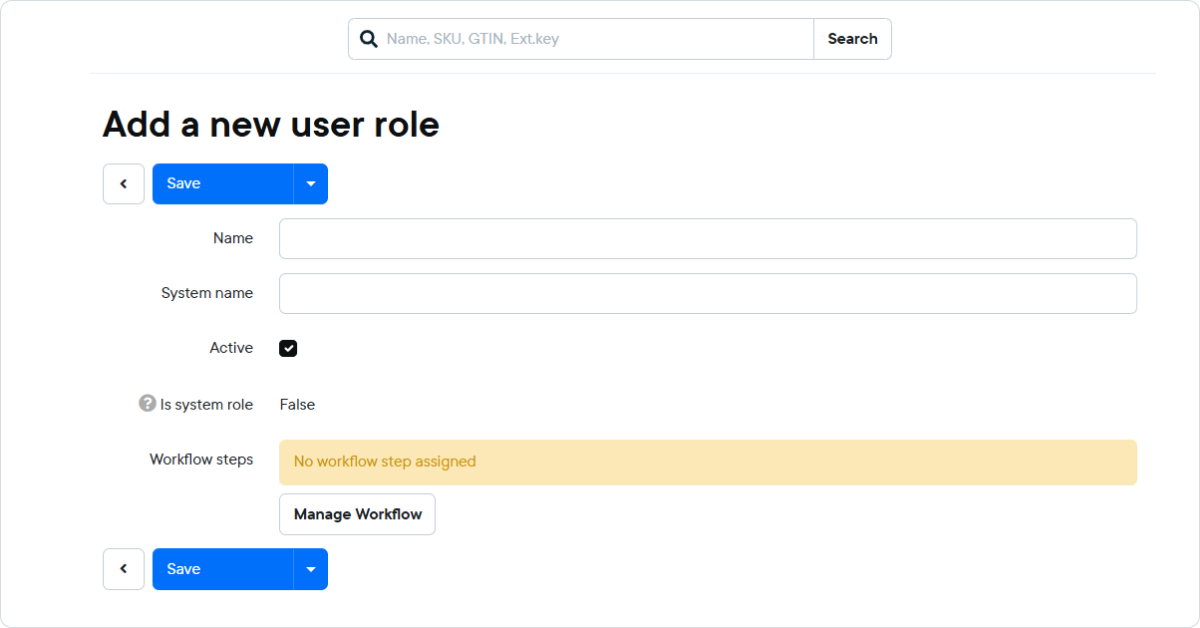
Creating a user role

  1. Go to Menu > Users > User Roles
  2. Click Add New
  3. Enter:
    • Name (e.g., Sales Team)
    • System Name (make this the same as the Name)
  4. Ensure Active is checked
  5. Click Save

The role is now available to assign to users.

Part of:
© KatanaPIM
DisclaimerSitemap